

Best Job Search Engine Sites for Remote Sales Jobs
Overview
Introduction: Why Your Job Search Engine Strategy Matters for Remote Sales
The remote sales job market has exploded. According to the FlexJobs Remote Work Index, remote job postings jumped 20% over Q4 2025, with sales and business development roles leading the pack at a massive 40% growth in fully remote positions. Data from AccountMakers shows that roughly 45% of all sales roles are now fully remote, especially in SaaS and tech.
Sounds amazing, right? Here is the problem.
Most job seekers waste hours scrolling through general job boards that lack the filters you need for commission-based remote roles. And the bigger issue is that scams and low-quality listings have multiplied right alongside the real opportunities. Without a smart approach to job search engine sites, you are basically shooting in the dark.
That is why this guide exists. We will walk you through exactly how to use the best search job engines to find legitimate, high-paying online sales positions. You will learn which platforms actually work for remote sales roles, how to spot red flags, and what filters make the difference between a waste of time and a golden opportunity. If you want to compare the biggest players, check out our breakdown of Indeed jobs vs ZipRecruiter vs CareerBuilder for online sales positions.
Ready to stop guessing and start landing real remote sales jobs? Let us dive into what makes the best job search engines for your specific goals.

Why General Job Search Engines Often Miss the Mark for Remote Sales
Here is the honest truth. Most job search engine sites like Indeed jobs and ZipRecruiter are built for general audiences. They do a fine job finding office roles or local positions. But when it comes to remote sales, they fall short in three big ways.
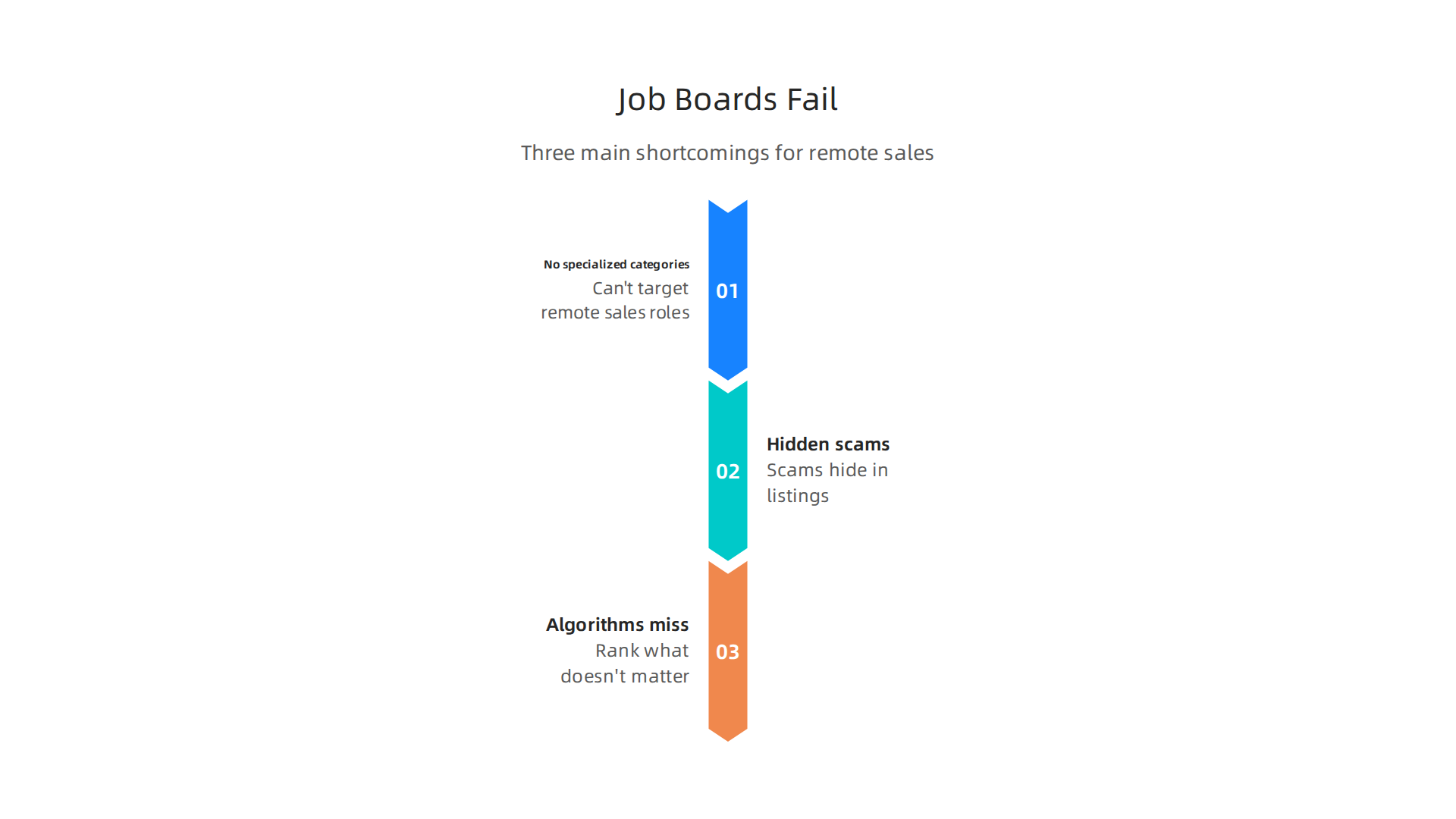
First, they lack specialized categories. Try finding a "commission only" or "1099 remote sales" filter on most platforms. You won’t find it. You end up sifting through customer service roles, administrative assistant gigs, and part time data entry jobs that have nothing to do with sales. It wastes hours.

Second, scams hide in plain sight. Remote job categories attract bad actors. According to the FlexJobs Remote Work Index, the surge in legitimate remote postings has also brought a wave of fake listings. General search engines do not vet posts. If you are not careful, you could waste time on a position that asks for upfront fees or personal banking details. That is why we put together a guide on how to land real remote sales jobs in 2026 without getting scammed.
Third, the search algorithms miss what matters. A typical algorithm scans for keywords like "sales" and "remote." It ignores skills that actually predict success in online sales, like CRM experience, virtual negotiation ability, or familiarity with sales automation tools. You could have exactly what a company needs and never appear in their results.
The bottom line? If you rely on generic job search engine sites alone, you are leaving opportunities on the table. You need a smarter approach.
The Scam Epidemic in Remote Job Listings
We touched on this earlier, but the scam problem on general job search engine sites is worse than most people realize. According to the FlexJobs Remote Work Index, the massive surge in remote postings has unfortunately brought a flood of fake listings.
These fraudulent posts are designed to look just like real opportunities. But then they ask for money upfront.

They might request payment for "training kits," "background checks," or "priority processing." Or they try to steal your personal information, like your Social Security number or bank account details.
Most big job boards, like Indeed jobs and ZipRecruiter, do not have strong verification systems. Anyone can create an account and post a job. This is why relying on the best search job engines without a safety strategy is risky.
You need to know the warning signs. We put together a detailed breakdown to help you stay safe. Read our guide on how to land real remote sales jobs in 2026 without getting scammed before you apply anywhere else.
Lack of Specialized Filtering for Commission-Based Roles
Here is another big problem with most job search engine sites. When you search on platforms like Indeed jobs or ZipRecruiter, you cannot filter jobs by pay type.
Want to find roles with base salary plus commission? You cannot. Looking for high-earning commission-only positions? The system does not help you. These best search job engines do not understand sales keywords like "uncapped commission" either. The software just treats them as regular text.
This forces you to manually scan hundreds of listings to figure out what you actually get paid.
Remote sales roles have grown fast. According to the FlexJobs Remote Work Index, sales and business development remote postings jumped 40% in early 2026. But without proper filters, finding the right opportunity takes forever.
We compared the top platforms to save you time. Read our full breakdown of Indeed versus ZipRecruiter versus CareerBuilder for sales roles.
2026’s Best Job Search Engine Sites for Remote Online Sales
The good news? Some job search engine sites now let you filter by "remote only." But here is the thing. Quality still varies a lot across platforms.
Sites like Indeed jobs and ZipRecruiter have added basic remote filters. But you still get tons of mixed results. For higher quality listings, you need a different approach.
Curated "remote-first" job boards are often the best starting point. According to a roundup of the 25 best websites to find remote work in 2026, these specialized boards offer fewer listings but much better quality. You skip the noise.
Your career stage matters too. Entry level sales reps need different filters than experienced closers. So what are the best job search engines for you? It depends on your experience and pay goals.
For a deeper look at how the top platforms stack up, check our full Indeed versus ZipRecruiter versus CareerBuilder comparison for sales roles.
Let’s look closer at how the major job search engine sites work for remote online sales.
Indeed jobs has the largest volume of listings. But you need to filter carefully.
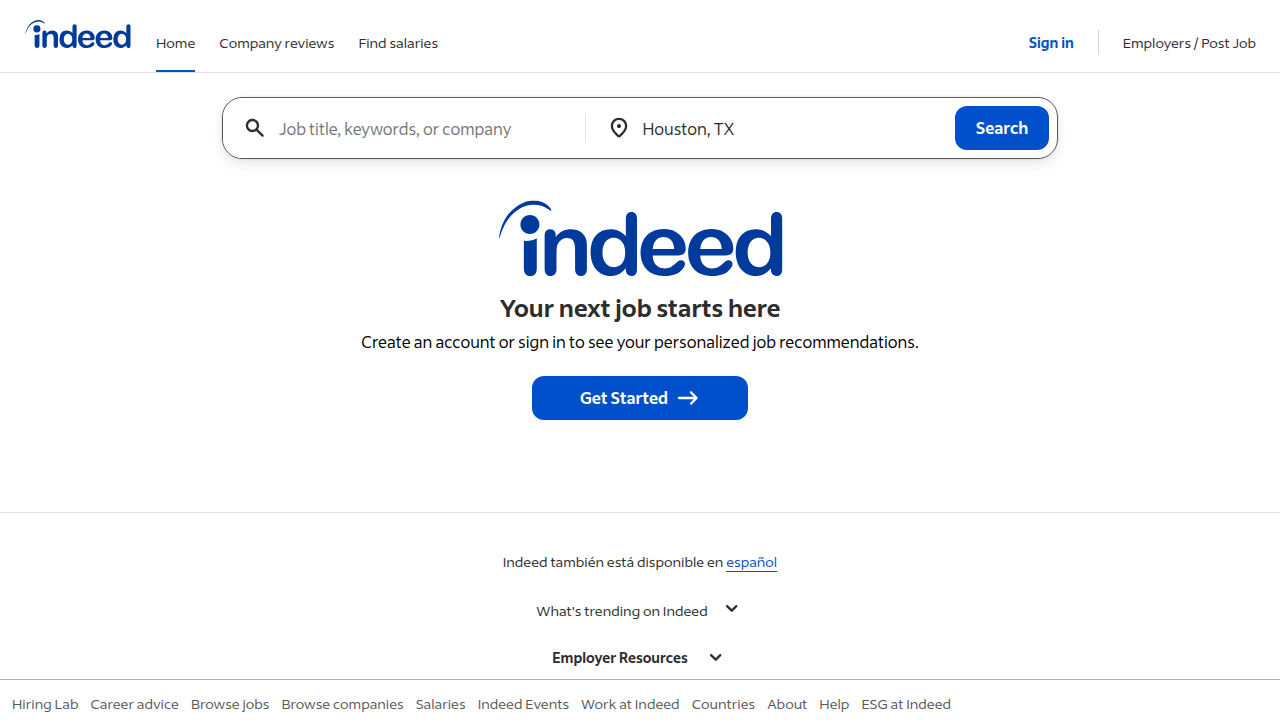
You also have to watch out for scams. Learn how to land real remote sales jobs without getting scammed.
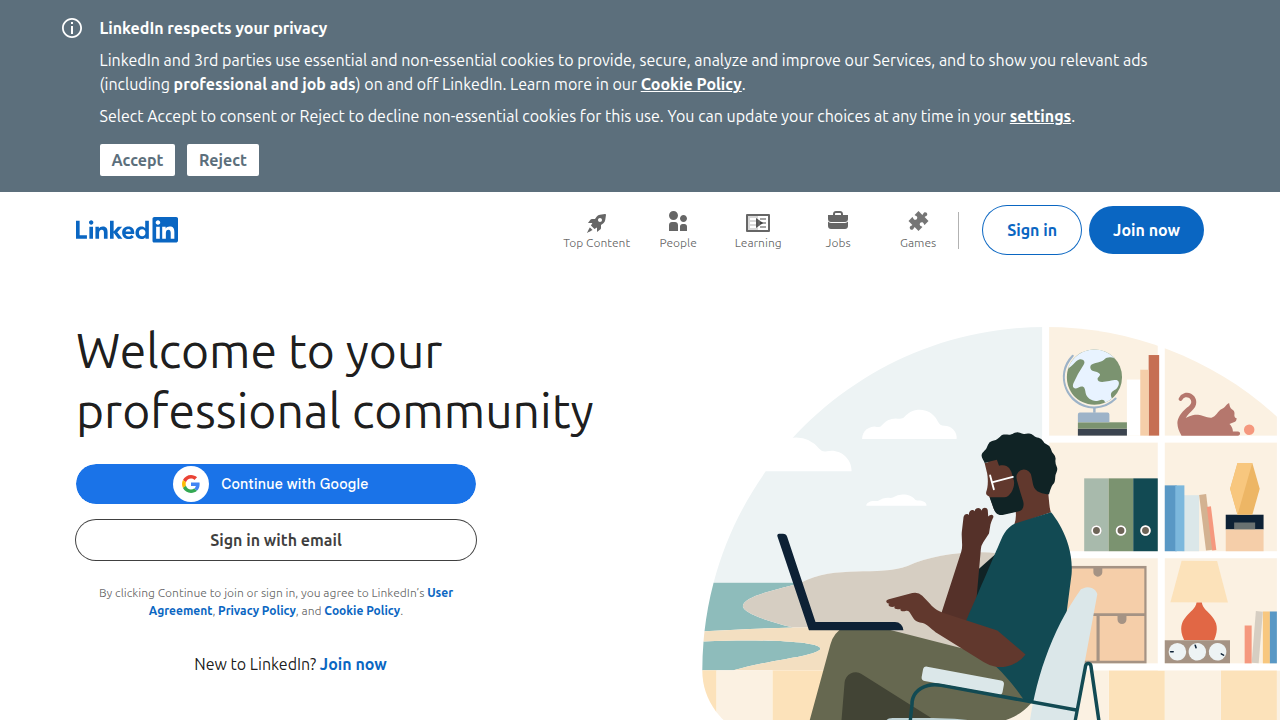
LinkedIn works differently. Its "Remote" filter is solid. Turning on "#OpenToWork" helps recruiters find you for sales roles.
Glassdoor is best for salary transparency. A big downside is that commission details are rarely listed.
These three general job search engine sites are a good start. For a breakdown of how they compare, check our Indeed versus ZipRecruiter comparison. Many experts also suggest looking at curated boards, like those listed by FlexJobs, to cut down on noise.
If you are tired of sorting through junk on general sites, curated boards like FlexJobs and Remote.co change the game. FlexJobs manually vets every listing. This alone significantly cuts down your chance of wasting time on scams.
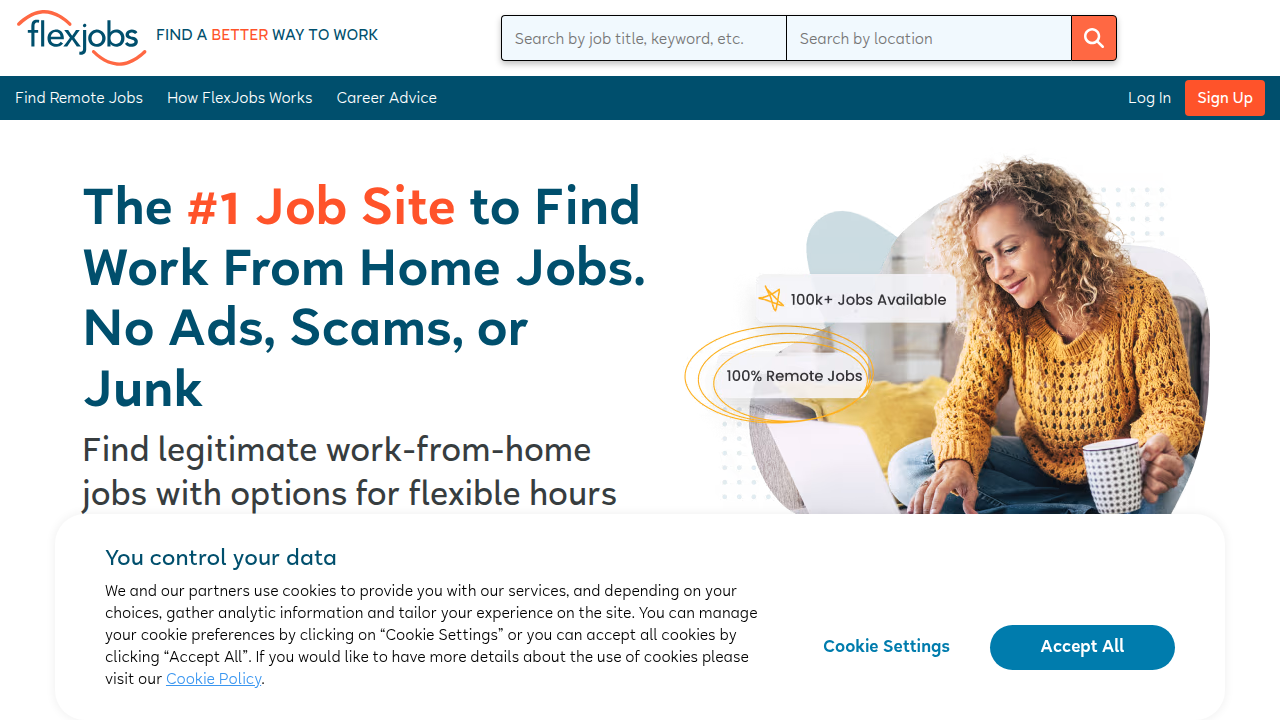
It is known for its rigorous screening process, making it a top pick among what are the best job search engines for serious seekers in 2026 FlexJobs. Remote.co, on the other hand, focuses only on remote roles. You get detailed company profiles and specialized categories that general best search job engines often miss.
Both charge a small subscription fee. But the trade-off is higher trust and fewer time-wasting applications. These are smart additions to your list of job search engine sites. For more tips on staying safe, read our guide on how to land real remote sales jobs without getting scammed.
How to Spot Scams on Job Search Engine Sites
You find a perfect listing on Indeed or ZipRecruiter. The pay is great, the hours are flexible. But something feels off. Here is how to tell if a posting on these job search engine sites is fake.
Scammers now use AI to copy real company profiles and create realistic job ads. They often use generic email domains like @gmail.com instead of a company email. According to the JobScamScore guide, this is a top warning sign. Another massive red flag is any request for upfront fees, training costs, or your credit card details. The Norton blog warns that demands for application fees or cryptocurrency transfers are clear scams.
Always slow down and cross-check the listing. Visit the company’s official website to see if the job is posted there. You can also report suspicious ads to the FTC at ReportFraud.ftc.gov. For more tips on staying safe, read our guide on how to find legitimate remote administrative assistant jobs. Trust your gut. If it feels too good to be true, it probably is.
Red Flags in Job Descriptions and Employer Communications
Now that you know how to spot fake job postings, let us look closer at the specific warning signs hiding in job descriptions and emails. One of the biggest clues is an offer that pays way too much for the experience required. If a listing promises $5,000 a week for a basic data entry role, that is a major red flag. Scammers also often use poor grammar, mismatched company names, or email addresses that do not match the company domain. Another tactic is pressure. As the DailyRemote guide explains, scammers rush you to decide before you can verify anything. Legitimate remote sales jobs, on the other hand, always provide clear commission structures and full company information. They do not hide details. If you want to see how honest employers write a sales job ad, check out our article on how to land real remote sales jobs in 2026 without getting scammed. Use these red flags to filter out the noise and focus on what are the best job search engines that actually host safe listings. Sites like Indeed Jobs and ZipRecruiter are great, but you still need to verify every post yourself.
Tools and Databases to Verify Company Legitimacy
You have learned the red flags, but how do you confirm a company is real? Do not rely only on the job posting. Cross-check the employer using these free tools. Start with the Better Business Bureau (BBB) and the FTC. The FTC recommends checking if the company has a history of complaints. State business registries also let you see if a company is officially registered. Next, visit the company’s LinkedIn page and read employee reviews on Glassdoor. Scammers often create fake profiles that look real at first. Finally, always check the email domain and job posting URL. A small typo often means a scam, as highlighted by JobScamScore’s guide on warning signs. Using these verification steps alongside trusted job search engine sites like Indeed is your best defense. For a deeper breakdown of which platforms to trust, see our comparison of which online sales job board is best: Indeed, ZipRecruiter, or CareerBuilder.
Optimizing Your Resume and Profile for Remote Sales Job Engines
Now that you know which job search engine sites to trust, the next step is making sure your resume gets seen. Most platforms like Indeed and ZipRecruiter use Applicant Tracking Systems (ATS) that scan for specific keywords.
To pass these filters, include terms like "remote sales," "CRM," "cold calling," and "commission" in your resume.
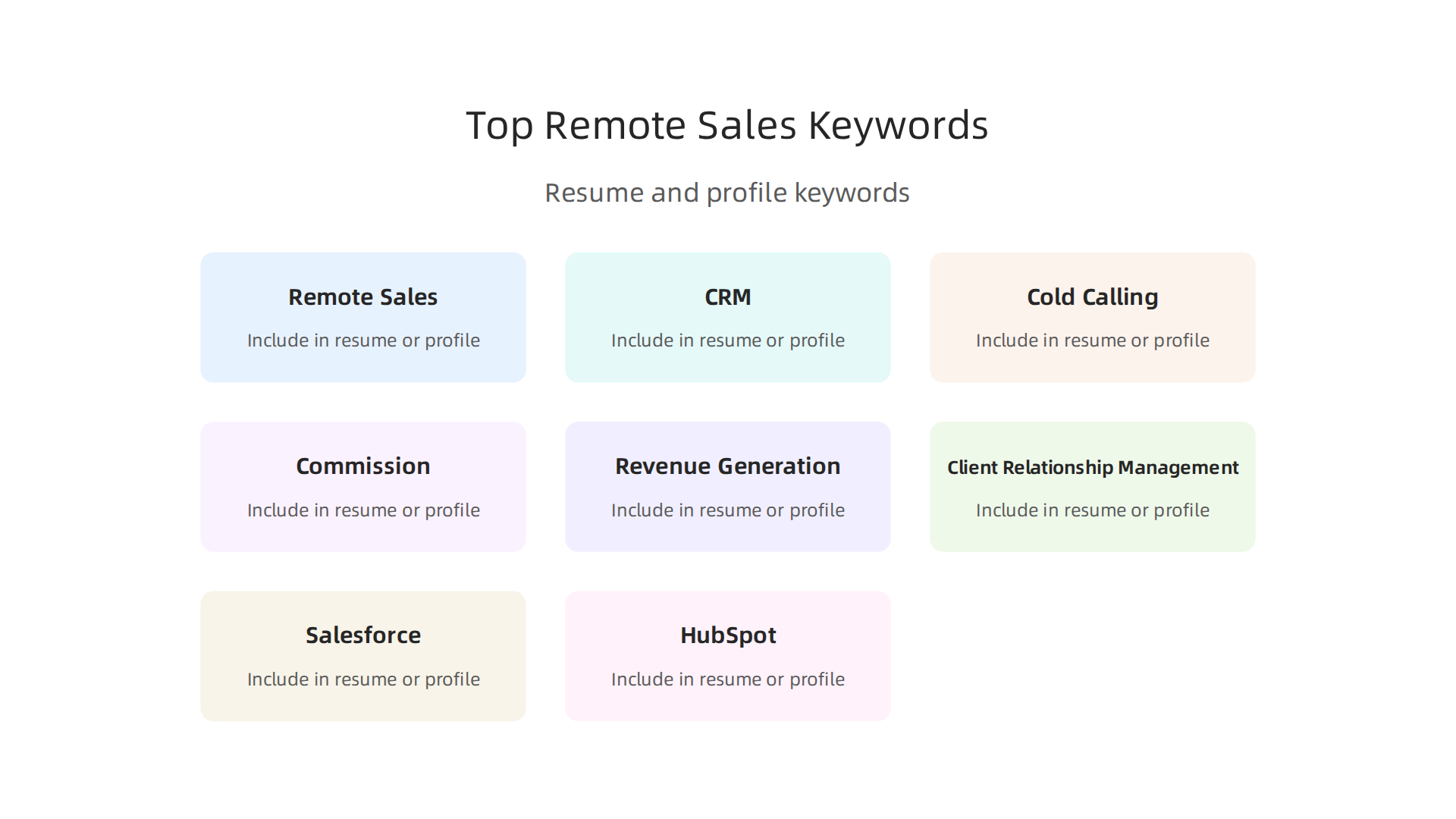
According to cvanywhere’s top sales resume keywords, "Revenue Generation" and "Client Relationship Management" rank among the most important for 2026.
Add a dedicated remote work summary at the top of your resume. This immediately tells employers you are ready for a work-from-home role. Then quantify your achievements. Instead of saying "met sales goals," write "exceeded quota by 20%." Numbers stand out. For more ideas, see Indeed’s list of 70 sales keywords.
For a complete strategy on landing a remote sales job without scams, check out our guide on landing real remote sales jobs.
Keywords and Skills That Remote Sales Recruiters Seek
Knowing which keywords to include makes a big difference. Recruiters scanning the best job search engines look for specific terms.
For hard skills, focus on "CRM proficiency," "virtual prospecting," and "cold outreach." According to KudosWall’s list of high-impact keywords, terms like "Salesforce" and "HubSpot" ranked high for 2026. Add "Zoom presentations" and "pipeline management" too, as suggested by ProRes.ai’s sales keyword guide.
Do not forget soft skills. Terms like "self-starter," "adaptability," and "time management" tell employers you can thrive without supervision. Coursera’s remote sales guide recommends showing you are a strong communicator who can work independently.
Combine both skill types. For example, write "Managed a remote B2B sales pipeline using Salesforce while exceeding monthly targets." That sentence checks hard and soft skill boxes. For deeper insights, check our guide on building a remote B2B sales career.
Crafting a Compelling Remote Work Summary
Your resume summary is your elevator pitch. Recruiters scanning job search engine sites like Indeed and ZipRecruiter will see it first, so it needs to grab their attention fast.
Summarize your remote experience, the tech stack you use, and your ability to work independently. As CVAnywhere notes, focusing on revenue generation and target achievement makes a strong impression. Include one or two specific metrics. For example, "Exceeded quota by 20% while managing a remote B2B pipeline using Salesforce." This blends hard skills with soft skills naturally. Resources like KudosWall highlight that concrete results help you pass ATS filters.
Keep it concise. Three to four lines is plenty. Nothing fancy, just clear proof you can deliver results from anywhere. For a deeper look at how the best search job engines work, check our guide on which online sales job board is best.
Using Job Search Engine Filters and Alerts to Land Faster
Even the best job search engine sites can feel overwhelming. So before you start scrolling, use Boolean search strings to cut through the noise. For example, type "commission based" AND remote AND sales NOT "entry level" to zero in on the roles you actually want. This simple trick eliminates filler posts fast.
Next, set up daily email alerts on your favorite search job engines like Indeed and ZipRecruiter. Being among the first applicants gives you a real edge. But stay alert. Scammers flood new listings too. Check out this guide on job scam red flags to spot fake postings before you waste time.
Finally, track every application in a simple spreadsheet. Note the job title, company, date applied, and next steps. This keeps you organized and ready for follow ups. For more ways to stay safe while hunting, read our tips on how to land real remote sales jobs without getting scammed.
Boolean Search Strings for Commission-Based Roles
Plain keywords on job search engine sites often return a mess of irrelevant posts. For commission-based roles, you need precision. Type something like ('commission' OR 'uncapped') AND 'remote sales' to pull only the jobs that match your pay structure. The parentheses group the OR terms, so the engine looks for either word. Then add NOT to drop junk: NOT insurance or NOT pyramid kills common scam types before they waste your time. This trick works on Indeed jobs, ZipRecruiter, and other best search job engines. Just remember each platform uses slightly different syntax. LinkedIn, for example, uses different operators than the rest. Boolean strings also help you sidestep many fake postings. For a full list of warning signs, check this guide on job scam red flags. And if you are still deciding which board to focus on, our comparison of which online sales job board is best for Indeed, ZipRecruiter, and CareerBuilder can help you choose.
Setting Up Daily Alerts and Tracking Applications
Once your Boolean strings are ready, set up saved searches on the best search job engines to get daily alerts. On Indeed jobs and ZipRecruiter, you can save your exact filters and choose email or app notifications. This way, new commission-based roles hit your inbox before hundreds of other applicants see them. But alerts are just the start. You also need a simple spreadsheet to log the company name, date applied, and next follow-up step. Then set a calendar reminder for 3 to 5 days after each application. This small habit keeps you from missing follow-ups and helps you spot scam patterns early, like jobs that disappear before you can apply. For more on staying safe while searching, read our guide to landing real remote sales jobs in 2026 without getting scammed.
Niche Job Search Engine Sites Dedicated to Remote Sales
General job search engine sites like Indeed and ZipRecruiter are great, but they can flood you with unrelated roles. That’s where niche platforms shine. These smaller boards focus specifically on work-from-home and remote sales positions, so every listing you see is relevant to your goal. For example, sites like FlexJobs and WeWorkRemotely vet their listings, which means you spend less time dodging scams and more time applying.
According to CoWorking Days, these “remote-first” boards are the best starting point for finding legitimate opportunities. Many also have active communities where members share real leads and interview tips. The tradeoff? Fewer total listings. That’s why the smartest strategy is to use niche boards alongside the big players, not instead of them. Want a deeper comparison of which platforms work best? Check out our side-by-side review of which online sales job board is best: Indeed, ZipRecruiter, or CareerBuilder. Combining both worlds gives you the widest net with the least competition.
We Work Remotely and Remote OK
Two of the best search job engines for remote sales are We Work Remotely and Remote OK.
These niche job search engine sites are perfect for narrowing your hunt. We Work Remotely has a dedicated "Sales" category that they keep full of fresh postings. Remote OK pulls listings from lots of different sources. It also uses tags so you can zero in on exactly the role you want, like account management or B2B sales.
A big plus for both? They have community ratings and comments on job posts. This peer feedback is a strong signal that an opportunity is real. According to FinanceBuzz, these sites are trusted sources in the remote work world. This helps you get into the habit of checking for signs of legitimacy in a remote role early on.
By adding these two to your weekly routine, you will see roles that the bigger boards like Indeed sometimes miss.
Sales-Specific Boards: SalesJobs, Smarter with Google
If you want to cut straight to the chase, try SalesJobs.com. This board is built only for sales roles. No marketing, no admin, just sales positions across all industries. It is one of the best search job engines if you know what you want. According to CoWorking Days, niche boards like this are a great starting point for focused searches.
Another smart move is using Google Job Search. Just search “sales jobs” on Google and it pulls listings from dozens of sites at once. But here is the catch: Google does not filter for quality. You still have to check each posting yourself. To avoid wasting time, learn how to spot real remote sales jobs and avoid scams.
The real trick? Set alerts on both SalesJobs and Google. That way you catch hidden roles before others do. Niche boards plus smart alerts make your job hunt faster and more effective.
Acing Remote Sales Interviews Sourced from Job Engines
So you found promising leads using the best job search engines like Indeed Jobs and ZipRecruiter. Now comes the real test: the remote interview. It checks three things at once. Your tech setup, your self discipline, and how well you communicate through a screen.

Here is what works. Prepare a short virtual sales pitch that shows your value in under 60 seconds. No rambling. Just your biggest win and why it fits the role. Use high impact sales keywords like revenue generation and pipeline management to match what hiring managers scan for. According to Coursera, highlighting relevant skills on your resume and LinkedIn profile is critical in 2026.
Also, be ready to talk specific CRM tools and remote collaboration platforms. Interviewers want proof you can run a sales cycle from home. If you need to strengthen those skills first, check out our guide on how to master AI digital marketing for online sales jobs.
Nail these pieces, and those job search engine site leads turn into actual offers.
Common Remote Sales Interview Questions and How to Answer Them
Remote sales interviews focus on one big thing: can you work alone and still hit your numbers? Hiring managers using job search engine sites to find talent know that home distractions are real.
You will likely get questions like "How do you stay productive without supervision?" and "Describe a time you closed a deal remotely." The trick is to use the STAR method (Situation, Task, Action, Result) to structure your success stories. For example, say "My quota was slipping because leads were cold. I built a new outreach sequence. The result was 20% more booked calls."
When you answer, weave in high impact sales keywords like "revenue generation" and "pipeline management" naturally. According to Indeed, using these keywords shows you speak the same language as hiring managers.
Showing you can overcome objections virtually is huge too. Talk about a time you closed a deal without ever meeting in person.
Want more tips on spotting legit roles before you even apply? Read our guide on how to land real remote sales jobs without getting scammed.
Showcasing Your Self-Motivation and Tech Savviness
In the same interview where you talk about past results, you need to prove you can handle the modern tools. Remote sales in 2026 runs on video calls, CRM dashboards, and automation software. If you cannot demonstrate real comfort with those platforms, hiring managers will doubt you.
To pass this test, share a specific example. Maybe you used your CRM to track 40 leads at once, or you built a sequence that auto-sent follow up emails. Mentioning tools like ZoomInfo, Salesforce, or HubSpot shows you are ready. If you have a certification like HubSpot Sales Software or Google Analytics, say so. According to a 2026 guide on Coursera, highlighting relevant skills on your resume and LinkedIn matters more now than ever.
You should also describe your home setup. Did you carve out a quiet corner with a headset and a stable desk? Did you set a morning routine to stay sharp? That kind of detail proves you have solved the self discipline puzzle before day one.
When you add these details to your resume or cover letter, it helps you stand out on job search engine sites like Indeed and ZipRecruiter. But you have to use the right language. Focus on keywords like "pipeline management," "revenue generation," and "client relationship management" to get past automated filters. For a full list of high impact terms, check out 60+ High Impact Sales Resume Keywords.
Want to know which site is best for your search? Read our comparison of Which Online Sales Job Board Is Best: Indeed, ZipRecruiter, or CareerBuilder to save time and apply smarter.
Understanding Income Potential When Using Job Search Engine Sites
Not all remote sales jobs pay the same. Your income can look very different depending on the industry you choose. According to Glassdoor, the average remote sales salary in 2026 is around $103,500 per year, but that number hides a lot of variation.
The way you get paid matters just as much as the base number. Most roles use one of three models: base salary plus commission, commission-only, or a draw against commission. On average, commission rates range from 5% to 15% depending on the role and industry, with SaaS roles often hitting 12% because of deal complexity. Industry also plays a huge role. SaaS typically offers around 10% commission, while real estate and financial services can go as high as 10% to 20%.
Here is the problem. When you browse job search engine sites like Indeed Jobs or ZipRecruiter, the listings often hide the full pay picture. A listing might say "uncapped commission" but never tell you the base. That is why you need to research before you apply.
If you want to compare platforms and find the ones that give you the clearest pay details, check out our guide on Which Online Sales Job Board Is Best: Indeed, ZipRecruiter, or CareerBuilder. It will help you save time and focus your search on best search job engines that match your goals.
Decoding Commission Structures in Job Postings
Now you know that job search engine sites often hide pay details. But here is the good news. Once you spot the right keywords, you can decode any listing fast.
Look for these terms first:
- Uncapped commission. No limit on what you can earn.
- OTE (On-Target Earnings). Your expected total pay if you hit quota. This usually combines base plus commission.
- Base + commission. A guaranteed base (maybe $85,000) plus extra pay for sales. Some Indeed jobs show this clearly.
- 1099. This means you are an independent contractor. No base pay, no benefits.
Industry norms also help you spot a fair offer. According to industry benchmarks, SaaS roles average about 10% commission, while financial services and real estate can reach 10% to 20%. In SaaS, commissions typically make up 50% to 60% of total compensation. A 60/40 or 50/50 base-to-variable pay mix is common for account executives.
The easiest way to check if a listing is fair? Use tools like Glassdoor, RepVue, and Comparably to benchmark earnings for similar roles. Do not rely on what one job description says. Research what the market actually pays for that role in 2026.
If you want to learn how to spot fake listings and protect yourself, read our guide on how to land real remote sales jobs in 2026 without getting scammed.
Negotiating Pay for Remote Sales Roles
Now that you can read commission structures like a pro, it’s time to negotiate. Good negotiation starts with market data, not just what you want. Use a tool like Glassdoor to see what other remote sales professionals earn. In 2026, the average pay for a remote sales role is about $103,500 per year. That gives you a strong starting point.
Think about the full package, not just the base. A common remote offer shows a base salary of $85,000 plus uncapped commission. That extra pay depends on hitting quota. Also look at the pay mix. For account executives, a 60/40 split is typical. That means 60% is guaranteed and 40% comes from commission. And don’t forget accelerators. Some plans increase your commission rate when you exceed your target.
Your strongest tool is leverage from multiple offers. Use different job search engine sites like Indeed and ZipRecruiter to find competing opportunities. When you have two or more offers, you can ask for better terms with confidence.
Need help picking the right platforms to find those offers? Read our breakdown of which online sales job board is best for 2026.
Summary
This guide explains how to use job search engine sites to find legitimate, high-paying remote sales roles while avoiding scams and wasted time. It shows why general boards like Indeed and ZipRecruiter often fail—poor filters, hidden pay details, and unvetted listings—and recommends adding curated remote-first and sales-specific job boards to your routine. You’ll learn practical verification steps (BBB, LinkedIn, Glassdoor), red flags to watch for (upfront fees, generic email domains, unrealistic pay), and concrete search tactics such as Boolean strings and daily alerts. The article also covers optimizing your resume and LinkedIn with the right keywords, preparing for remote interviews, decoding commission structures, and negotiating offers so you can find and secure real remote sales jobs faster and safer.